Your team is talented. So why are they spending hours copying data between apps, chasing invoice approvals, and sending the same follow-up emails over and over? Here are the five workflows that are quietly killing your productivity — and the exact tools to fix them.
Why automation is no longer optional
In 2026, your competitors are not just working harder — they are working with automated systems that operate 24/7 without error, delay, or sick days. Business process automation (BPA) is no longer a luxury reserved for enterprise companies. With tools like n8n, Zapier, Make, and HubSpot, even small and mid-sized businesses can eliminate the manual overhead that slows growth.
The question is not whether to automate — it is where to start. Below, we break down the five processes with the highest ROI, the tools that handle them best, and what you can realistically expect after implementation.
⚠ Before you automate: The biggest mistake is automating a broken process. Automation amplifies what already exists — so map and clean your workflows first, then automate.
The 5 Processes Worth Automating Now
1. Lead Management & CRM Data Entry
Every time a lead fills out a contact form, downloads a resource, or books a demo, someone on your team has to log it into the CRM, assign it to a rep, and trigger a follow-up sequence. Manually. This is the single most commonly wasted hour in sales operations — and one of the easiest to eliminate.
With a proper automation in place, a new lead is captured, enriched with company data, scored, assigned to the right rep, and sent a personalized first-touch email — all within seconds, without a human lifting a finger.
Best tools: HubSpot, Zoho CRM, n8n, Zapier, Make
Impact: Teams using automated lead routing respond to new inquiries 3× faster and report a 28% increase in conversion rates within the first quarter of implementation.
2. Customer Communication & Follow-Up Sequences
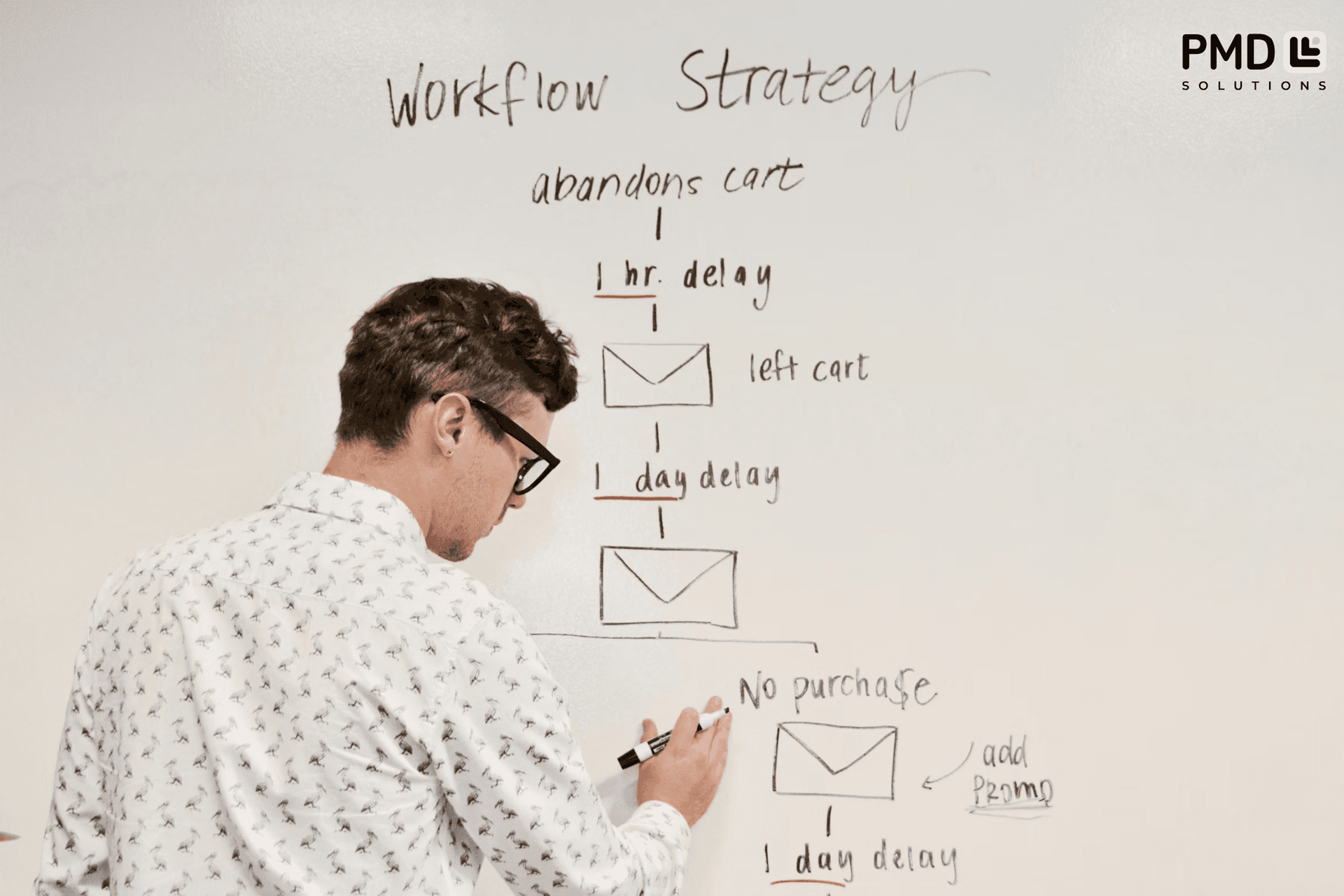
Whether it is a post-purchase thank-you, a renewal reminder, a re-engagement campaign for dormant clients, or a support ticket update — most customer communications follow a predictable pattern. That predictability is exactly what makes them automatable.
Email automation tied to CRM triggers means your clients receive timely, contextual messages that feel personal — without your team drafting each one. Combine this with Slack or SMS notifications for internal teams, and nothing falls through the cracks.
Best tools: HubSpot Sequences, Mailchimp, Make, Zapier, Slack Integrations
Impact: Automated follow-up sequences reduce customer churn by up to 22% and free sales teams from spending up to 40% of their day on manual outreach.
3. Invoice Generation & Approval Workflows
Finance teams in most SMBs are drowning in manual invoice creation, chasing approvals via email chains, and reconciling payments in spreadsheets. This is time that could be spent on analysis and strategy — but instead it goes to copying numbers between systems.
Automating your invoice workflow means: a completed project milestone or subscription renewal triggers an auto-generated invoice, routes it through the appropriate approval chain, and delivers it to the client — with payment reminders following up automatically if needed.
Best tools: n8n, Make, Airtable, Zapier, QuickBooks API
Impact: Businesses that automate invoicing report reducing invoice processing time by up to 80% and cutting late payments by nearly a third through automated reminder sequences.
4. Employee Onboarding & Offboarding
A new hire's first two weeks often depend entirely on how organised your HR and IT teams are in that moment. Provisioning software access, sending welcome materials, scheduling intro meetings, setting up payroll — each step involves multiple people, multiple systems, and multiple opportunities for things to go wrong.
An automated onboarding workflow triggers when HR marks a hire as confirmed: it creates accounts, sends task assignments to relevant departments, delivers a personalised welcome kit, and schedules check-ins — all without a single manual handoff.
Best tools: n8n, Notion + Zapier, Slack Workflows, Airtable, Google Workspace API
Impact: Structured, automated onboarding improves new hire retention by up to 50% and reduces the time HR spends per hire from several hours to under 20 minutes of active oversight.
5. Reporting & Business Intelligence Dashboards
If you are still pulling data from five different tools into a spreadsheet every Monday morning to build a weekly report, you already know this is unsustainable. Manual reporting is slow, error-prone, and always slightly out of date by the time it reaches the decision-maker.
Connecting your CRM, project management tool, ad platforms, and financial data into a single live dashboard means you always have an accurate, real-time view of your business — without a human assembling it.
Best tools: Looker, Power BI, Google Looker Studio, n8n, Airtable
Impact: Teams with live automated dashboards make decisions up to 5× faster than those relying on manually compiled reports, and virtually eliminate data entry errors from the reporting pipeline.
How to Choose the Right Automation Tool
The tool choice matters less than the fit between tool complexity and your team's technical capability. Here is a simple framework:
No-code teams: Start with Zapier or Make. Visual builders, minimal setup, huge template libraries.
Technical teams wanting control: n8n is open-source, self-hostable, and handles complex multi-step workflows with branching logic.
CRM-centric businesses: If HubSpot or Zoho is your system of record, build automations directly within those platforms before adding external tools.
Data-heavy operations: Airtable as a workflow backbone paired with n8n or Make gives you extreme flexibility.
Enterprise-scale: Consider a hybrid architecture combining a dedicated integration layer with your existing ERP and CRM.
What to Realistically Expect After Implementation
Simple automations — like routing form submissions into a CRM or triggering a Slack notification when a deal closes — can be live in hours. More involved workflows, like an end-to-end onboarding system or a multi-source reporting dashboard, typically take one to three weeks from design to deployment.
For most businesses, the ROI on their first automation is visible within 90 days: fewer errors, faster response times, and hours returned to the team. The compounding effect comes in the following months, as automated workflows run quietly in the background while your team focuses on work that actually requires human judgment.
Frequently Asked Questions
What business processes can be automated?
The most impactful processes to automate are those that are rule-based, repetitive, and high-volume: lead management, customer communications, invoice processing, employee onboarding, and reporting. If a human follows the same steps in the same order more than a few times a week, it can almost certainly be automated.
What are the best automation tools for small and mid-sized businesses in 2026?
For most SMBs, the sweet spot is Zapier or Make for no-code simplicity, and n8n for teams that want more control and lower long-term cost. HubSpot covers CRM-centric automation natively. The best tool is the one your team will actually maintain.
How long does it take to automate a business process?
Simple, single-step automations can be live in a few hours. Complex multi-step workflows — like a full employee onboarding system — typically take 1–3 weeks to design, build, test, and deploy. Working with an experienced automation partner significantly reduces that timeline and avoids costly rework.
Is business process automation worth the investment?
Yes, for virtually every business above a certain size. The combination of time savings, error reduction, and faster response times typically produces a clear positive ROI within the first quarter. The bigger question is not whether it is worth it — it is which process to automate first for the fastest return.
Do I need a developer to implement automation?
Not necessarily. Tools like Zapier and Make are designed for non-technical users and have extensive template libraries. However, for custom integrations or complex conditional logic, working with a technical automation specialist will save significant time and produce more reliable results.