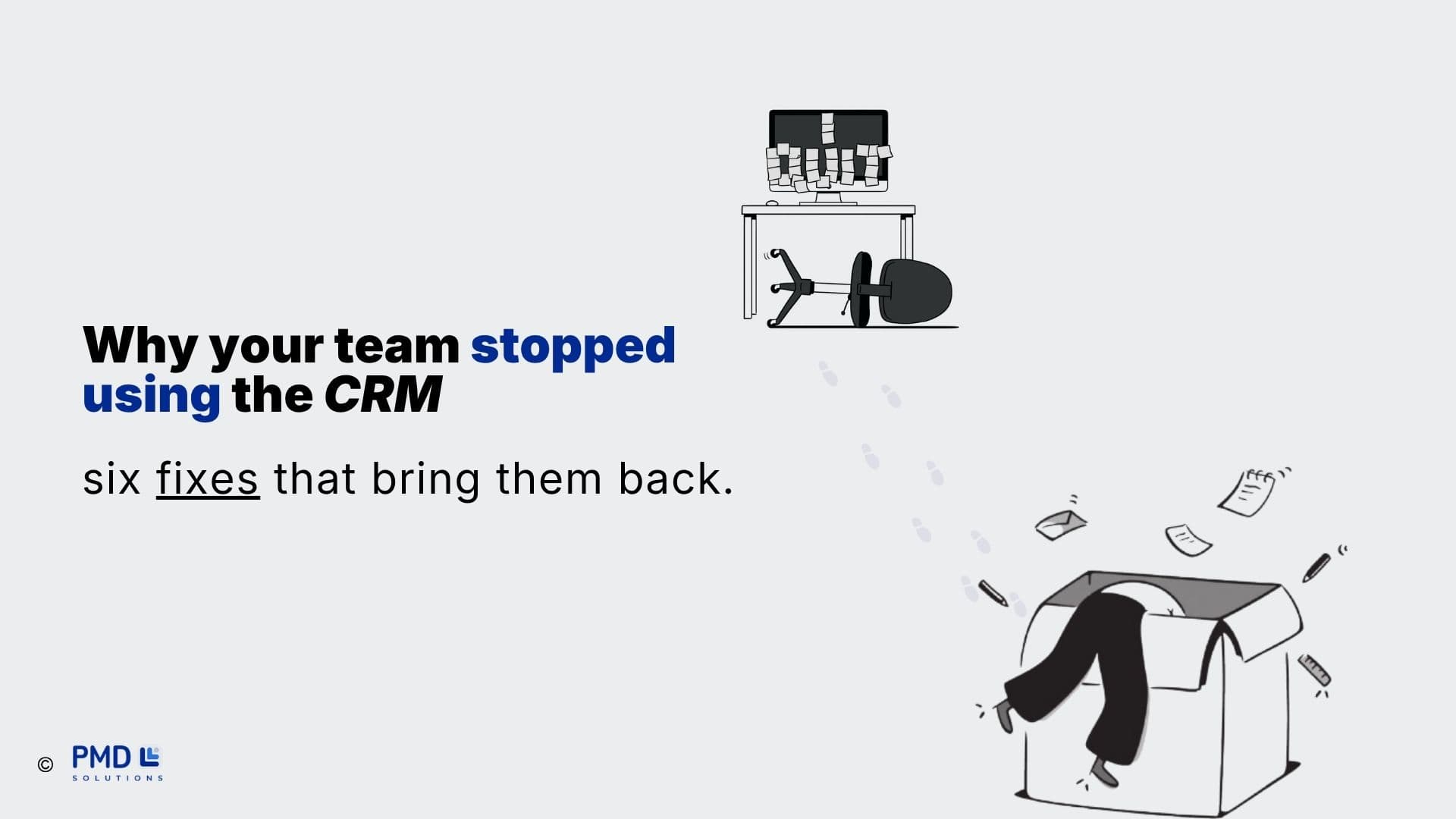
If you're juggling customer info across spreadsheets, sticky notes, and your inbox, you already know the problem. Deals fall through. Follow-ups get missed. Nobody on the team knows what happened on the last call.
A CRM fixes that. This guide covers what a CRM actually is, why it matters, what to look for, and how to pick one without wasting months on the wrong tool.
What Is a CRM?
CRM stands for customer relationship management. It's software that stores every interaction you have with a lead or customer — emails, calls, deals, support tickets — in one place your whole team can see.
Instead of asking "did anyone follow up with this client?", you open their record and see the full history: who talked to them, what was promised, and what happens next.
Why your business needs one
Most teams don't adopt a CRM because it sounds nice. They adopt one because the alternative — spreadsheets and memory — breaks down as soon as more than one person is selling or supporting customers. A CRM gives you:
One source of truth. Every deal, contact, and conversation lives in one system, not scattered across inboxes.
Fewer dropped leads. Automated reminders mean follow-ups happen on time, every time.
Visibility into your pipeline. You can see exactly how many deals are open, stuck, or about to close — without asking anyone.
Better customer experience. New team members can pick up a conversation without the customer repeating themselves.
Data you can actually use. Reports on what's working, so decisions aren't based on gut feeling.
Key features to look for
Not every CRM needs every feature. But most growing teams end up needing:
Contact and deal management — a clear pipeline view of where every deal stands
Email and calendar sync — so activity logs itself instead of relying on manual entry
Automation — for follow-up reminders, lead assignment, and repetitive admin work
Reporting — dashboards for pipeline health, team performance, and revenue forecasts
Integrations — connections to the tools you already use (email, accounting, support, marketing)
The main types of CRM
Most CRMs fall into three categories, and many combine all three:
Operational CRM — focused on day-to-day sales, marketing, and support workflows
Analytical CRM — focused on turning customer data into reports and insights
Collaborative CRM — focused on keeping sales, marketing, and support teams aligned on the same customer data
How to choose the right CRM
The best CRM isn't the one with the most features — it's the one your team will actually use. Before you commit, run through this checklist:
List your must-haves first. Pipeline tracking? Automation? Reporting? Rank them before you start comparing tools.
Check what it connects to. Your CRM should integrate cleanly with your email, phone system, and accounting software.
Test it with real data. A free trial with your own contacts tells you more than any demo.
Ask about migration. Moving existing data in cleanly matters as much as the tool itself.
Plan for adoption. The best CRM in the world fails if your team doesn't use it — budget time for training, not just setup.
The biggest mistake teams make
Most failed CRM rollouts don't fail because of the software. They fail because the CRM was set up to match how a vendor thinks a business should work, not how this business actually works. The fix is simple: map your real sales and support process first, then configure the CRM around it — not the other way around.
Getting started
A CRM is one of the few tools that pays for itself in the first few months — fewer dropped leads and less admin time add up fast. The key is picking a system that fits your process and setting it up properly from day one, instead of bolting it on and hoping your team figures it out.
Choosing the platform is step one. Implementation, data migration, and getting your team to actually adopt it are where most of the real work — and most of the risk — lives.
Need help setting up your CRM the right way?
PMD Solutions builds and implements CRM systems for growing teams — from picking the right platform to migrating your data and getting your team to actually use it.